> Frontend
- HTML
- CSS
- JavaScript
- Thymeleaf
Pathwaays combines frontend development, Java application logic, cloud infrastructure, DNS, encryption and server configuration. This blueprint explains how those systems communicate.
Pathwaays begins as code on a development computer. Each approved version moves through several systems before becoming the live website visitors see.
Where the Java and frontend code is written and tested.
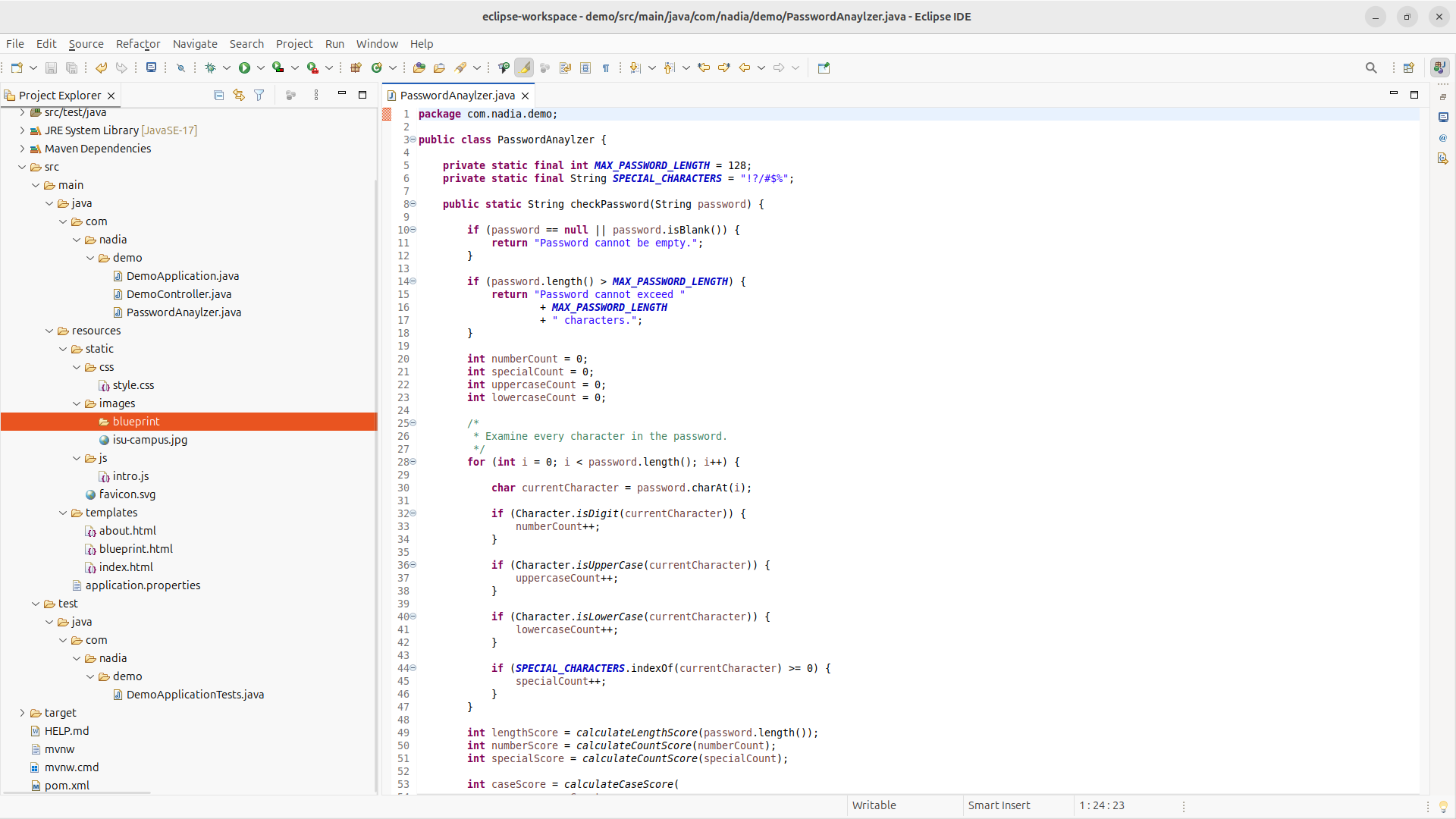
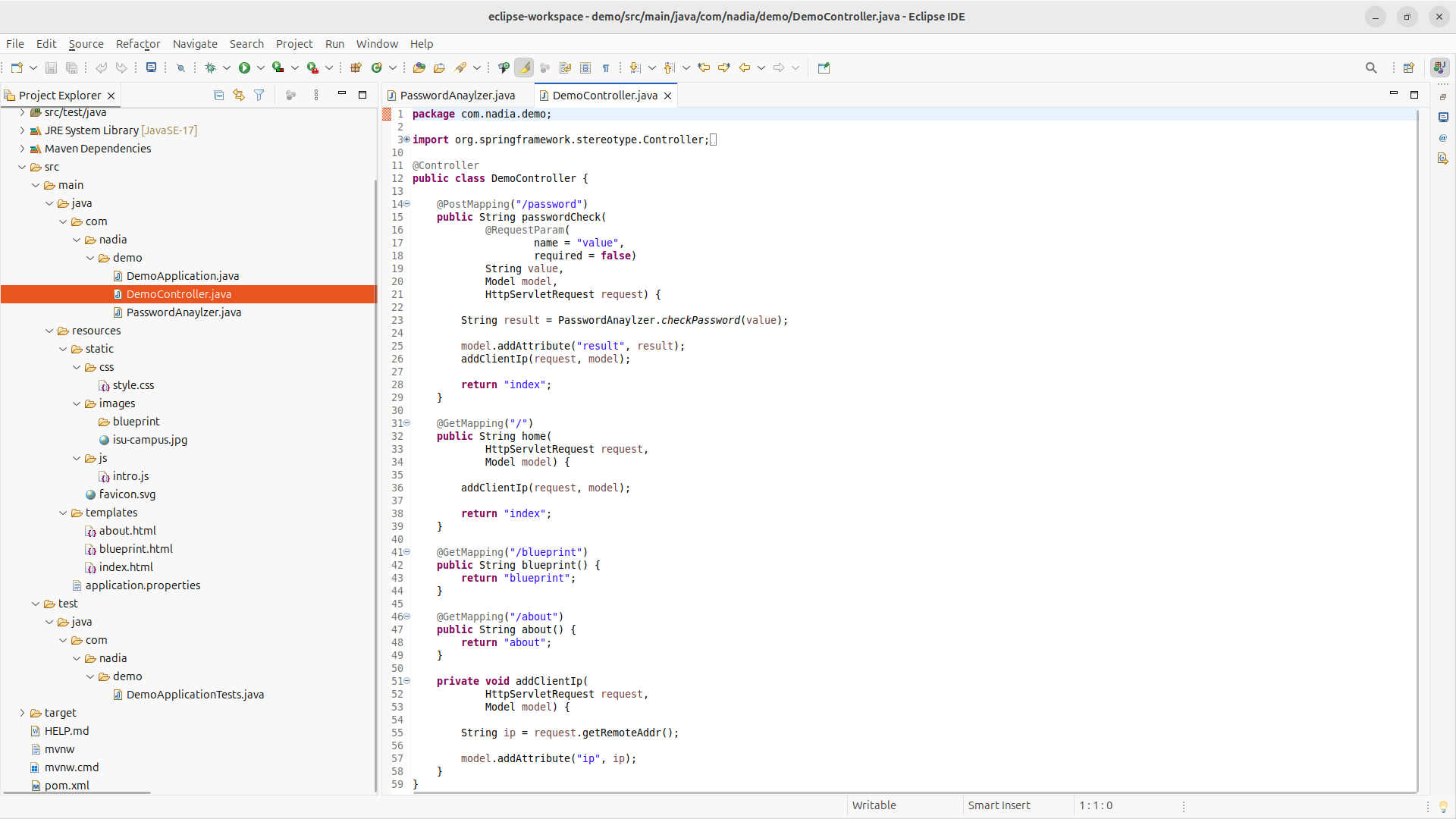
Eclipse is the local development environment used to edit the Java classes, Thymeleaf templates, CSS and JavaScript that make up Pathwaays.
Records changes and stores approved versions of the project.
Git records the project’s development history. Updated code is committed and pushed to GitHub, creating a controlled source from which the server can retrieve the latest version.
Hosts the live Pathwaays application.
An AWS EC2 instance acts as the project’s remote Linux server. The server retrieves the approved code through its authenticated Git connection.
Packages the project into an executable Java application.
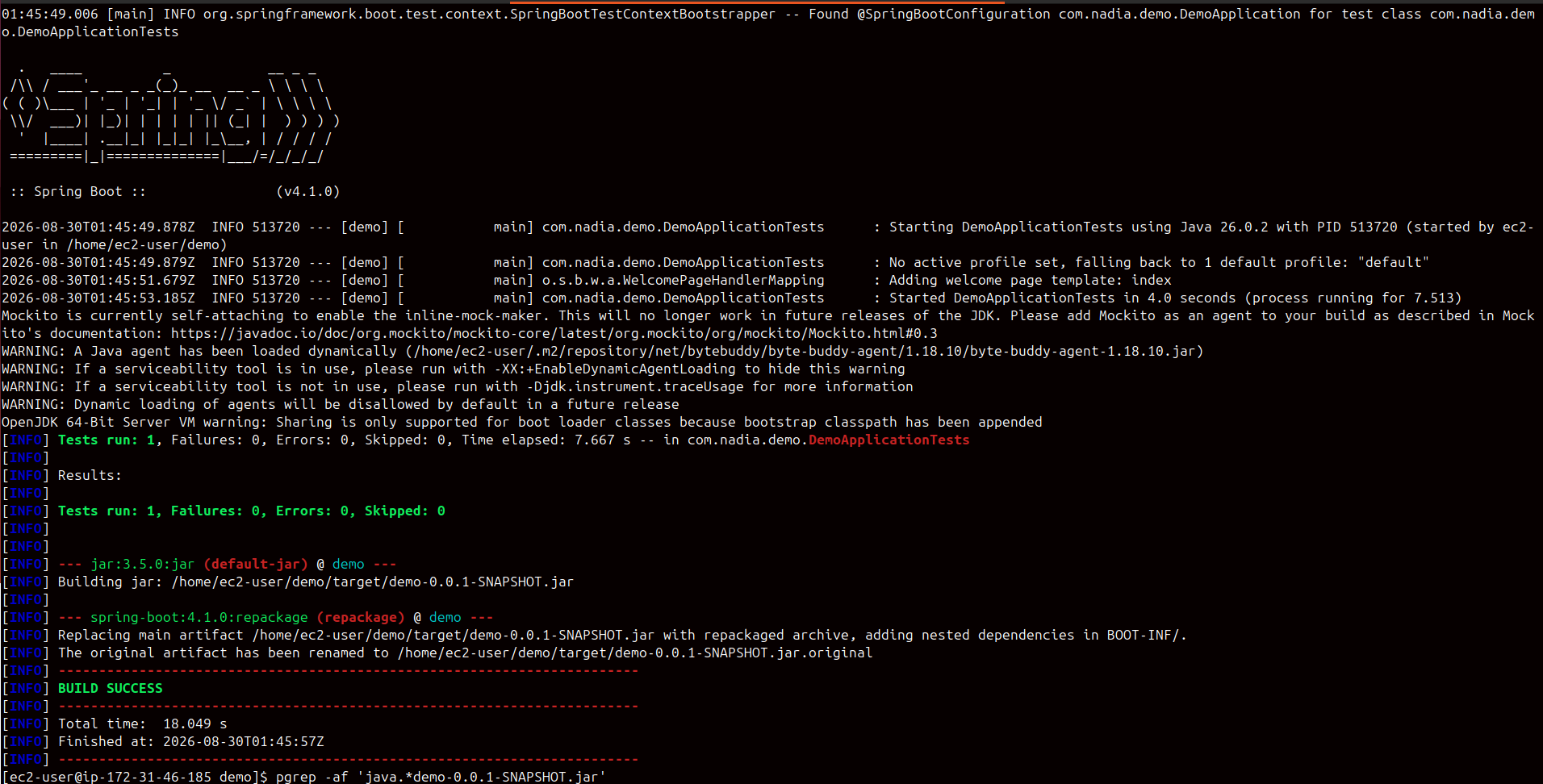
Maven resolves the project’s dependencies, runs the configured build process and packages Pathwaays as a Spring Boot JAR.
Starts the application on the server.
The built JAR starts Spring Boot and its embedded Tomcat server. The application listens internally on port 8080 while NGINX handles public traffic.
When someone enters pathwaays.com, their browser follows a secured path from the public domain to the application running inside AWS.
Requests pathwaays.com using HTTPS.
A visitor’s browser requests the website using an encrypted HTTPS connection.
Finds the server connected to the domain.
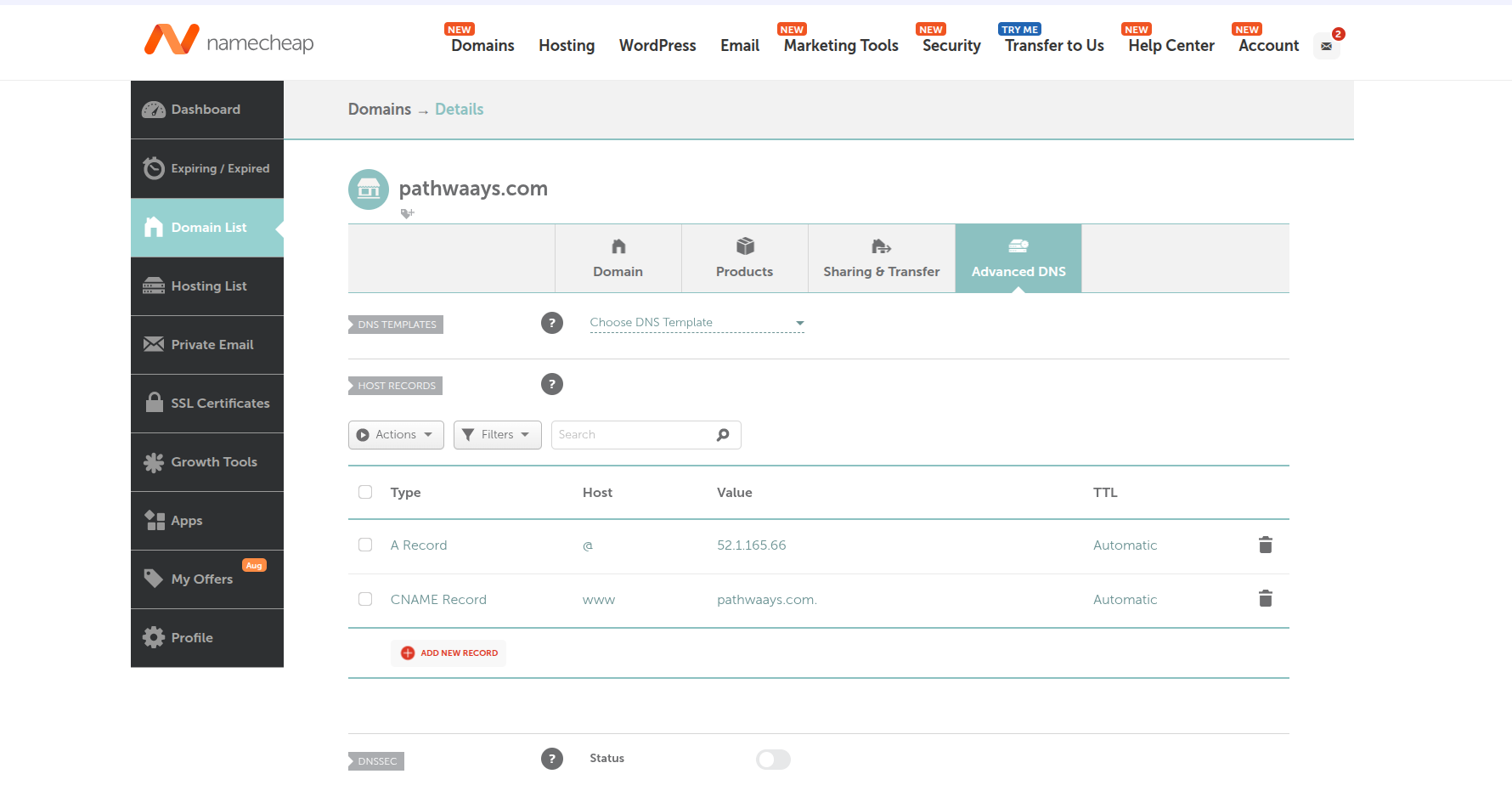
Namecheap DNS records connect pathwaays.com to the Elastic IP address assigned to the AWS infrastructure.
Directs the request to the correct EC2 server.
The Elastic IP provides the EC2 instance with a stable public address, preventing the domain destination from changing when the instance is restarted.
Secures and forwards the visitor’s request.
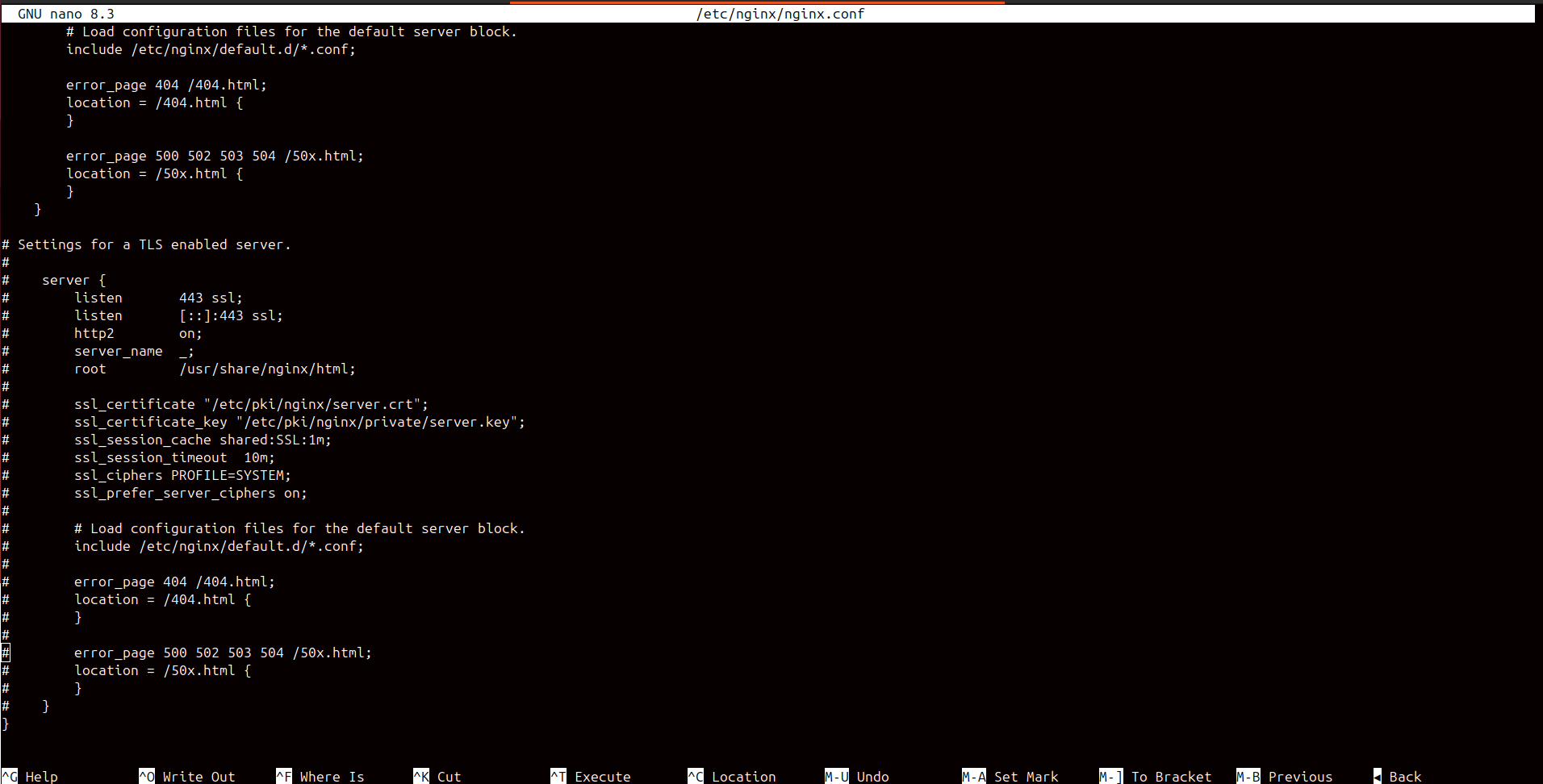
NGINX receives HTTPS traffic on port 443, applies the configured security headers and forwards the request internally to Spring Boot on localhost port 8080.
Processes the request and selects a page.
Spring Boot receives the internal request, selects the correct controller method and returns the appropriate Thymeleaf page.
After the website loads, Spring Boot coordinates the frontend form, Java controller, password-analysis logic and final result.
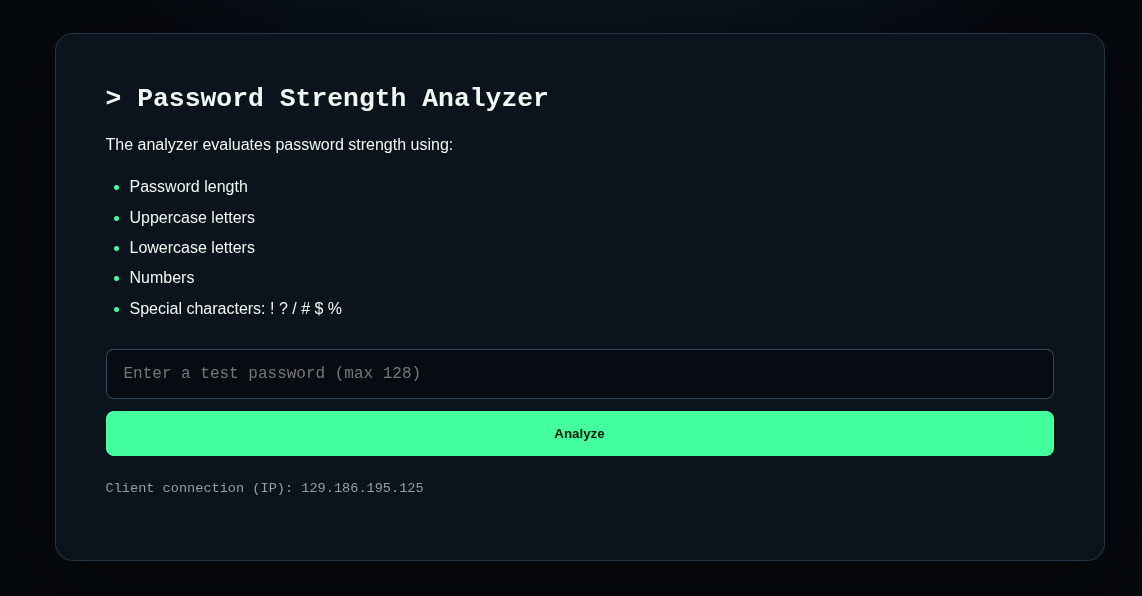
Accepts a test value from the visitor.
The Thymeleaf page contains a password input that sends a POST request to the application’s password route.
Receives the request and coordinates the response.
DemoController receives the submitted value, passes it to PasswordAnalyzer and places the returned result into the Spring model.
Evaluates several password characteristics.
The Java class evaluates length, numerical characters, uppercase and lowercase letters and supported special characters. It converts those checks into one overall result.
Places the result back into the webpage.
Thymeleaf reads the value stored in the model and safely renders the analyzer’s result inside the returned HTML page.
Additional videos and development records will be added as Pathwaays continues to evolve.